|
Getting an IRIS TCC |
  
|
|
Getting an IRIS TCC |
|
Getting an IRIS Transmitter Control Code for A2A (and Portal)
Go to the IRS IRIS website here: https://www.irs.gov/tax-professionals/iris-application-for-tcc
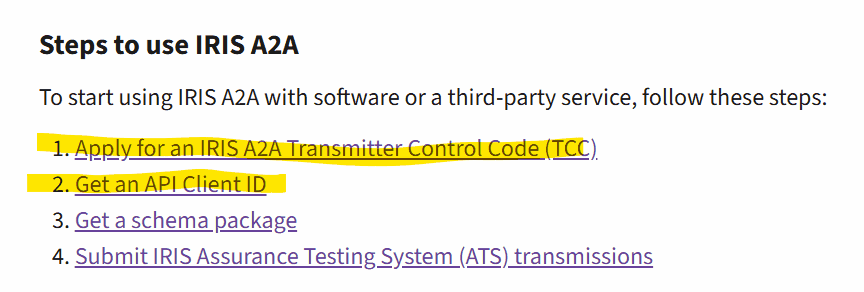
You CAN have multiple TCCs and for different purposes. So if you used IRIS last year for "Portal" reporting, you need to get a different one for A2A reporting.
You want to choose a role of Transmitter during the application. This means you can file for yourself and others.
The role of Issuer is for a single business only and the payer data and issuer data must all match.
Even if you are only submitting data for yourself/your own business, we recommend the Transmitter role.
A page similar to this will display. The application is completed using the button indicated by the yellow arrow.
We suggest you review the tutorial (link below the button) before starting.
The TCC will be an alpha numeric ID (5 characters) and will be specifically for "A2A" use as shown below.


Use the TCC for A2A on the IRIS Filer Setup Screen